
The Grind of Manual Video Branding
In the endless scroll of TikTok and Instagram, a brand has less than three seconds to make an impression. In that fleeting moment, consistent visual branding is not just a minor detail. It is the most direct signal of professionalism and trustworthiness you can send. Viewers subconsciously register your colors and fonts, associating them with your identity long before they read a single word of your caption.
Yet, for many social media managers, achieving this consistency feels like a constant battle. We have all been there, hunched over a screen, manually positioning a logo or triple checking a hex code for the tenth time. Each video becomes a tedious, repetitive exercise of adding custom fonts, brand colors, and watermarks. This process is a notorious content bottleneck, slowing down production and draining the creative energy that should be going into the content itself.
The real risk of this manual approach is brand dilution. When you are working quickly or with a team, small deviations are inevitable. A slightly different font size here, a color that is a few shades off there, or text placed a few pixels too high. Individually, these mistakes seem minor. But over time, they create a fragmented and unprofessional viewer experience. Your feed starts to look disjointed, weakening the very brand identity you are working so hard to build.
This frustration is a shared experience in the content creation world. The good news is that it is entirely avoidable. To maintain brand consistency video after video without sacrificing speed, you need a scalable, automated workflow. It is time to move beyond the manual grind and embrace a system that works for you, not against you.
Assembling Your Automated Branding Toolkit
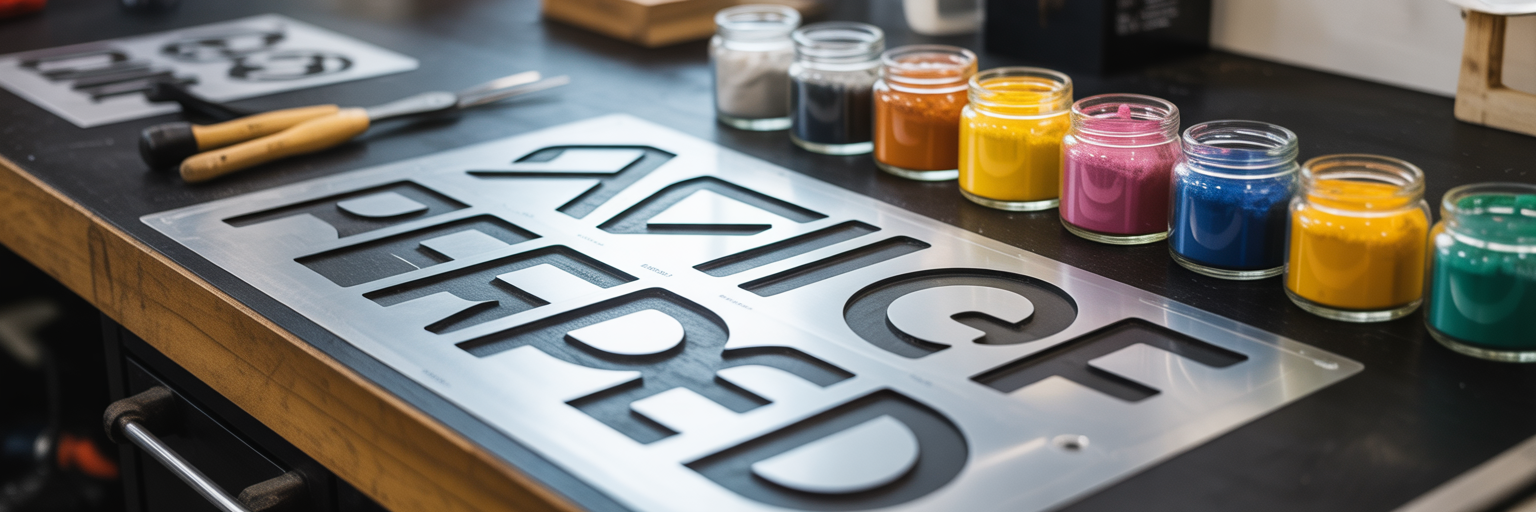
Moving away from manual branding means adopting a new set of tools designed for efficiency and consistency. Instead of a patchwork of apps, a smart toolkit automates the most repetitive parts of the process. This is not about finding one magic app, but about understanding the categories of tools that work together to create a seamless workflow. Before you begin, gather your brand assets. Having your font files, hex codes, and logo files ready is the first step toward one-click automation.
AI-Powered Style Applicators: The Core of Your Workflow
At the heart of an automated system are AI-powered style applicators. Think of these as the central engine for your visual identity. These branded TikTok content tools allow you to create a digital "brand kit" where you pre-load your specific fonts, color palettes, and logos one time. From that point on, the tool applies this entire style package to your video text automatically. For instance, a platform like Mirage’s Caption app uses this kit to instantly style every line of your video’s text, ensuring every clip aligns perfectly with your brand guidelines without any manual adjustments.
Advanced Font Generators: Beyond Native Options
TikTok and Instagram offer a limited selection of fonts, which makes it difficult to stand out. Advanced font generators solve this problem. While not direct automation tools, they are a critical resource for creating your brand kit. For example, platforms such as SocialRails provide access to over 300 stylish, copy-and-paste fonts that help brands stand out from the native options available on TikTok. You can find a unique typeface that truly reflects your brand’s personality and then import it into your AI style applicator, making it a permanent part of your automated toolkit.
Comprehensive Captioning Tools: For Accessibility and Engagement
Finally, AI video captioning tools complete your toolkit by addressing both efficiency and audience needs. Their function goes far beyond just styling. These platforms automatically transcribe your audio, time the captions to your speech, and format them for readability. This is essential for modern social media consumption. According to data shared by OpenClip, a staggering 85% of users watch social media videos on mute, which makes automated, on-brand captioning a critical component for audience comprehension and accessibility. Combining automated transcription with your brand kit ensures your message is clear, accessible, and consistently on-brand. For creators looking to build an effective production process, a comprehensive suite of our tools can help streamline these different stages.
| Tool Category | Primary Function | Key Benefit for Creators | Example Use Case |
|---|---|---|---|
| AI Style Applicators | Applies a pre-set brand kit (fonts, colors, logo) to video text. | Ensures 100% brand consistency with one click. | Styling captions and headlines for a weekly content series. |
| Advanced Font Generators | Provides access to unique, non-native fonts for social media. | Creates a distinct visual identity that stands out. | Finding and copying a unique font for a campaign tagline. |
| Automated Captioning Tools | Transcribes, times, and formats video subtitles automatically. | Saves hours of manual work and improves accessibility. | Generating accurate, timed captions for a 60-second educational video. |
A Step-by-Step Workflow for Automated Branding
With the right toolkit assembled, you can establish a simple and repeatable workflow. This process transforms video branding from a time-consuming chore into a few quick clicks. The key is to separate the creative edit from the branding phase. Here is how you can automate video branding from start to finish.
- Finalize the Core Video Edit
Your automation workflow begins after your creative work is done. First, focus on the storytelling. Use an editor like CapCut or Premiere Rush to trim your clips, arrange your sequence, add music, and apply any creative filters. At this stage, do not add any text or logos. Your goal is to export a clean, un-branded video file that serves as your canvas. - Import into a Branding Tool
Next, take your finalized video file and upload it to your chosen AI branding platform. This is where the automation kicks in. The platform will process your video and prepare it for the branding stage, separating the audio and visual components for the next step. - Generate and Style Captions Automatically
This is the most powerful step in the workflow. With a single click, instruct the tool to generate captions. The AI will transcribe the audio and, more importantly, instantly apply your pre-configured brand template. Your custom font, brand colors, and text style will appear on the timed captions without any manual input. Platforms like Mirage are designed around this very concept, allowing creators to apply a complete brand identity to their video's text layers instantly. - Add Other Branded Text Elements
Captions are just the beginning. Use the same tool to add other essential text elements like a compelling headline, a list of key takeaways, or a clear call-to-action. Because you are working within your branding platform, each piece of text you add will automatically conform to your established brand style. Tools that integrate these capabilities seamlessly are invaluable, and you can explore the various features we offer that make this process efficient. - Export the Finished Product
Once all your text elements are in place and styled, the final step is to export the video. The platform will merge your branded text layers with your original video, creating a high-resolution file that is ready for publishing. Before uploading, you may need to use our resize video tool to ensure it meets the exact specifications for TikTok, Reels, and Shorts. The result is a professionally branded video, created in a fraction of the time it would take to do manually.
Best Practices for On-Screen Text and Accessibility

Automating your branding is a huge step, but consistency alone does not guarantee effectiveness. The next step is to ensure your on-screen text is not just on-brand, but also readable, strategic, and accessible to everyone. How you present information is just as important as what you say. Here are some best practices to follow.
- Prioritize Readability with High Contrast
What looks great on a large monitor can become unreadable on a small, sunlit phone screen. Always test your brand colors for contrast. A simple black or white text outline can make a world of difference. For a professional standard, check your color combinations against WCAG (Web Content Accessibility Guidelines) contrast ratios to ensure legibility for all viewers. When choosing custom fonts for TikTok Reels, opt for clarity over complexity. A highly decorative font might fit your brand aesthetic, but if it is hard to read in a three-second clip, it is not doing its job. - Respect the 'Safe Zone'
TikTok, Reels, and Shorts all have user interface elements like usernames, captions, and engagement buttons that overlay the video. Always keep your important text within the central "safe zone" of the screen. Placing text too close to the edges or bottom of the frame risks it being obscured, which means your message gets lost. A good habit is to visualize where the like, comment, and share buttons will be before placing your text. - Balance Information and Visual Clutter
Resist the temptation to put your entire script on screen. The purpose of on-screen text is to emphasize, not to transcribe everything. Use it to present your initial hook, highlight a surprising statistic, or summarize the main takeaways. Think of your on-screen text as a series of signposts guiding the viewer through your content, not as a book they have to read. - Drive Engagement with Strategic Text
Your branded text is also a powerful tool for engagement. Instead of just presenting information, use it to interact with your audience. Add a clear call-to-action like "Save this for later" or "Link in bio for more." You can also pose a question directly on screen to prompt comments, turning passive viewers into active participants in the conversation.
Scaling Your Brand Style Across Platforms
Once you have an automated workflow, the temptation is to "create once, distribute everywhere." However, a more effective approach is to "brand once, adapt everywhere." While your core brand identity should remain consistent, the context of each platform—TikTok, Instagram Reels, and YouTube Shorts—is different. A truly scalable strategy acknowledges these differences while maintaining a unified brand presence.
Modern automation tools are built for this. A key feature to look for is multi-platform exports. These tools can render the same branded video in different aspect ratios, such as 9:16 for Reels, 1:1 for an Instagram feed post, or even 16:9 for YouTube. More importantly, they intelligently adjust text placement to fit each format, ensuring your branding remains clean and unobstructed no matter where it is viewed.
It is also important to differentiate between your on-screen branding and the platform-native text. The text burned into your video should be consistent across all platforms. However, the caption you write in the description field below the video should be customized. Use hashtags relevant to each platform, tag different accounts, and tailor your call-to-action to the specific audience you are addressing. This hybrid approach combines the efficiency of automation with the nuance of platform-specific marketing.
To ensure everything stays aligned, make a habit of conducting a quarterly cross-platform brand audit. Take a few minutes to review your TikTok, Instagram, and YouTube Shorts feeds side-by-side. Do they feel like they come from the same brand? This simple check helps you spot inconsistencies and ensures your digital footprint remains cohesive and professional as you scale. Ultimately, having a powerful and intuitive platform is key to scaling your video strategy, and BlitzReels offers a suite of tools designed for this exact purpose.