
The New Standard for Content Repurposing
The endless scroll on TikTok has set a new pace for content creation. For creators, maintaining a constant presence is no longer a choice, it is a necessity. This reality has transformed how we think about repurposing content. It is not just a technical shortcut anymore, but a core strategic shift. We have moved beyond manually slicing up videos, a process where you can almost feel your eyes glaze over searching for that one perfect moment in hours of footage.
The old workflow was tedious. You would sit down, scrub through a timeline, and hope to stumble upon a shareable segment. This approach was not only slow but often missed the subtle cues that truly resonate with an audience. In 2026, the objective is not simply to post more frequently. The goal is to consistently deliver high-quality, relevant content that feels native to the platform. This is where the intelligent transformation of long form to short form video becomes essential.
AI acts as a creative partner in this process. It handles the heavy lifting of analysis and initial editing, freeing you to focus on the bigger picture: your brand voice, your narrative, and your connection with your audience. Instead of just cutting clips, AI helps you reshape ideas into standalone stories built for a vertical screen. This modern workflow is supported by platforms that now offer a suite of integrated features. For more details on what these capabilities include, you can see our overview of features that streamline this entire process.
Ultimately, AI allows you to work smarter, not harder. It ensures that the valuable insights from your long-form content find a new life and a new audience on platforms like TikTok, without burning you out in the process.
Identifying Viral Moments with AI Precision
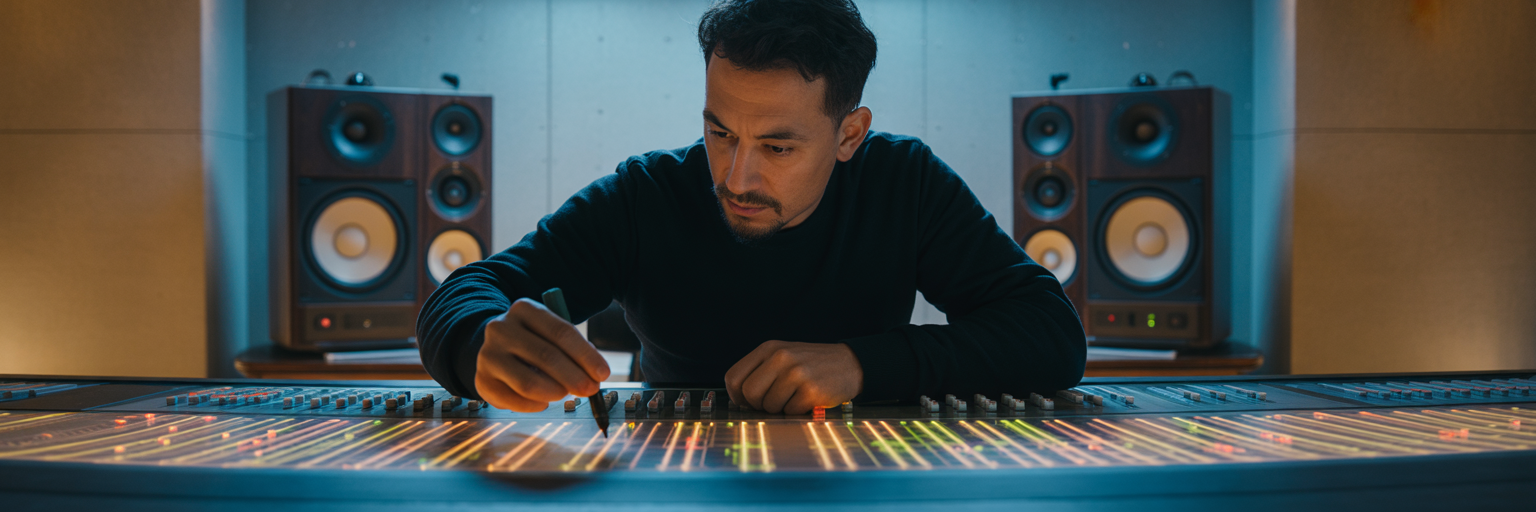
While the previous approach focused on strategy, the real magic happens when AI begins its deep analysis of your content. This goes far beyond simple transcription. Modern AI tools listen and watch your videos with a level of detail that is impossible to replicate manually. They use complex processes like Natural Language Processing (NLP) to understand not just what is said, but how it is said. The AI can "listen" for emotional peaks in a speaker's voice or "watch" for a sudden burst of action on screen.
Think of it as having a superhuman assistant who can instantly spot the most compelling parts of your video. These systems are trained to recognize the very signals that capture human attention. According to insights from ScaleLab, a successful workflow involves mapping clips based on these identified emotional beats to craft punchy, standalone narratives. AI excels at finding these moments by tracking specific cues:
- Vocal Inflection: It detects rising excitement in a product reveal, the sarcastic tone in a joke, or the emphatic stress on a key takeaway.
- Emotional Cues: The technology can identify moments of genuine humor, surprise, or profound insight that are likely to connect with viewers.
- Audience Reactions: For interview or podcast footage, AI pinpoints the exact moments that trigger laughter, applause, or engaged silence from a live audience.
- Visual Dynamics: It recognizes high-action sequences, significant on-screen changes, or compelling facial expressions that make a clip visually interesting.
This leads to a process of AI-assisted curation. The tool presents you with a ranked list of potential clips, often with a "virality score" attached. You are no longer hunting for a needle in a haystack. Instead, you are presented with a curated selection of gold nuggets, allowing you to make the final editorial decision. To make your source content more AI-friendly, focus on clear articulation and create distinct segments within your long-form videos. This gives the AI clear markers to work with, improving the quality of its suggestions.
Choosing Your AI Repurposing Toolkit
Once you understand how AI identifies key moments, the next step is selecting the right technology for your workflow. The market for AI video editing tools has matured, and options generally fall into two distinct categories. Your choice depends entirely on your goals, your technical comfort, and how much creative control you want to retain.
All-in-One Platforms vs. AI-Enhanced Editors
All-in-One Platforms are designed for speed and maximum automation. As noted in Feisworld's 2026 review, tools like Vidyo.ai automatically convert long-form content into dozens of shareable clips with minimal input. You upload your video, the AI does its analysis, and you are presented with a gallery of ready-to-post Reels. This path is ideal for creators who prioritize volume and consistency, like podcasters needing to generate daily social content from a single weekly episode.
On the other hand, AI-Enhanced Video Editors integrate AI features into a more traditional editing environment. Think of your favorite editor, but now with smart tools that can suggest cuts, generate captions, or reframe shots for you. This approach offers a balance of automation and control. It is perfect for videographers or brand managers who want AI to handle the tedious tasks but still need to manually fine-tune the final product to match specific brand guidelines.
Essential and Advanced AI Features
Regardless of the path you choose, certain features are essential for any modern repurposing workflow:
- Auto-Reframing: Automatically keeps the main subject centered when converting a horizontal video to a vertical 9:16 format.
- Auto-Captioning: Generates accurate, time-synced subtitles, which are critical for watch time and accessibility on TikTok.
- Highlight Detection: The core feature that analyzes your video and suggests the most engaging clips.
Advanced tools offer even more powerful capabilities, such as AI Dubbing to translate your content into other languages or Virality Scoring to predict a clip's performance. For those looking to explore a range of these functionalities, a directory of specialized tools, including a dedicated automated video clip generator, can help you find the perfect fit. You can browse a collection of our AI-powered utilities to see what is available.
| Factor | All-in-One Platforms | AI-Enhanced Video Editors |
|---|---|---|
| Primary Goal | Speed and Automation | Creative Control and Flexibility |
| Workflow | Upload > AI Analysis > Select Clips > Export | Import > Use AI Features > Manual Edit > Export |
| Learning Curve | Low; minimal editing required | Moderate; requires some editing knowledge |
| Best For | Creators prioritizing volume and consistency | Editors wanting AI assistance without losing control |
| Example Use Case | A podcaster generating 10 clips from one episode | A filmmaker refining an AI-suggested trailer |
Crafting Reels for the TikTok Algorithm

Having the right tools is only half the battle. The next step is to take the clips your AI has generated and polish them for TikTok's unique ecosystem. This is where human intuition and platform-specific knowledge come into play. Here are some key TikTok algorithm tips 2026 to turn your AI-generated clips into high-performing content.
First, master the 3-Second Hook. While AI is excellent at identifying an engaging moment, it might start the clip right at the punchline. Your job is to refine that first three seconds to create an undeniable scroll-stopper. This could mean adding a text overlay with a provocative question or trimming the clip to start right before a moment of high action or emotion. As noted by Virvid's 2026 guide, the algorithm continues to favor authentic, personality-driven content, and a human-refined hook is critical for success.
Next, focus on dynamic captions. AI can generate the text, but you should style it for maximum impact. Use color, emojis, and varied sizing to emphasize key words and guide the viewer's eye. This not only improves readability but also boosts watch time as viewers follow along with the text. This is a crucial part of how to make TikTok reels that hold attention.
A more advanced strategy involves audio. Find a trending audio track on TikTok, turn its volume down to 1%, and layer it underneath your clip's original sound. This subtle addition acts as a signal to the algorithm, associating your video with a popular trend without distracting from your message. Finally, use AI for A/B testing. Generate two or three variations of the same clip with different hooks or captions. Post them and see which one performs better. This data-driven approach helps you understand your audience's preferences and refine your content strategy over time. And before you post, ensuring your video is perfectly formatted is crucial; a tool to resize video for TikTok’s vertical screen can streamline this final step.
The Human Touch in an AI-Driven Workflow
As we integrate AI more deeply into our creative processes, it is important to remember its role. AI is a powerful co-pilot, not a replacement for the creator. Its greatest strength is efficiency, but its greatest weakness is a lack of context. AI might miss the inside joke that your community loves, the subtle nuance in a conversation, or the deeper narrative that connects a clip to your brand. This is why the most successful creators repurpose video for TikTok using a hybrid approach.
As highlighted by PostQuickAI, successful repurposing in 2026 is about strategic content reshaping, not just simple cutting. Authenticity remains a key factor for success on TikTok, and audiences can often sense the difference between purely AI-generated content and AI-augmented content. Adding your unique human touch is what bridges that gap. Here are a few actionable ways to do it:
- Add personal commentary. Record a brief intro or outro for the clip, adding your own perspective or asking a question to encourage engagement.
- Use unique branding. Develop a consistent style for your on-screen text, fonts, and emojis that makes your content instantly recognizable.
- Ensure narrative alignment. Before posting a clip, ask yourself: "Does this moment truly represent my brand and message?" AI suggests, but you curate.
- Perfect the timing. Manually adjust the timing of captions to land perfectly with comedic or dramatic beats. This small detail can make a huge difference in how a clip feels.
The most sustainable workflow balances efficiency with authenticity. Let AI do the initial heavy lifting of analysis and clipping. Then, step in as the creative director to curate the best options, refine the edit, add your brand's personality, and write a compelling caption. This hybrid model allows you to maintain content velocity without sacrificing the creative spark that makes your content yours. For more insights and guides on leveraging technology in your video workflow, our blog offers a wealth of information to help you stay ahead.